
If you’re a Finance or RevOps leader who has ever spent a Friday night reconciling commission spreadsheets before payroll closes, you already know the real definition of “easy to manage.” It has nothing to do with a clean UI. It means fewer admin hours, no surprise recalculations, zero payout disputes, and the ability to iterate a plan mid-quarter without filing an IT ticket.
This guide evaluates the seven leading sales compensation platforms through one lens: admin effort. Specifically, how much work does it take to build plans, change them safely, run the monthly close, maintain an audit trail, and keep data flowing from your CRM? That’s the framework Finance and FP&A teams actually care about—and it’s the one most vendor comparisons skip.
The 6 Admin Checks Every Sales Compensation Solution Must Pass
Before comparing platforms, here’s the evaluation framework. Any sales commission software worth running at scale should satisfy all six:
- Plan setup and edits: Can Finance or RevOps own the logic, or does every change need a consultant or engineer?
- Change safety: Does the platform simulate or back-test a plan change before it goes live?
- Monthly close workflow: How long does it take to produce payout statements from close-of-period data?
- Accuracy controls: What prevents silent calculation errors, overpayments, or underpayments when plan logic changes?
- Audit trail and approvals: Can you show Finance exactly who changed what rule, when, and what payout it produced?
- CRM/ERP integrations: Does the platform pull live data from Salesforce, HubSpot, or your ERP without manual CSV uploads?
Use this as your demo checklist. Every platform below gets measured against it.
Sales Compensation Software Comparison: Admin Effort at a Glance
| Platform | Plan edit ownership | Simulation/sandbox | Audit trail | CRM integration | Go-live signal |
|---|---|---|---|---|---|
| EasyComp | Finance/RevOps, no IT needed | Yes | Full traceability | Salesforce + HubSpot native | Fast, no-code setup |
| Everstage | Self-serve drag-and-drop | Yes (claimed) | Every action logged | Multi-CRM | 4–6 weeks |
| CaptivateIQ | Finance-owned workflow | Partial (validate in demo) | Present | Multi-CRM/ERP | Validate in demo |
| Salesforce Spiff | Salesforce-native admin | Validate in demo | Present | Salesforce-first | “Days, not weeks” (claimed) |
| QuotaPath | AI-native, self-serve | Validate in demo | Validate in demo | CRM/ERP/payroll | Validate in demo |
| Xactly | Enterprise admin team | Validate in demo | Present | Multi-source | Validate in demo |
| Performio | Validate in demo | Validate in demo | Validate in demo | Validate in demo | Validate in demo |
“Validate in demo” means the public-facing content doesn’t give enough operational detail to make a reliable judgment. That’s not a criticism of the product—it’s a signal to ask directly. If your priority is reporting and tracking features rather than admin load, our commission tracking software comparison covers that angle.
1. EasyComp
EasyComp is purpose-built for the people who actually run commissions: Finance, FP&A, and RevOps. The platform automates commission calculation and incentive distribution end-to-end, so the monthly close doesn’t require a manual reconciliation sprint.
Where it stands out for admin teams is the architecture. EasyComp handles multi-tier plans, team-based splits, holdouts, draws, and accelerators without requiring custom engineering. Plans connect directly to Salesforce and HubSpot, so deal data flows in automatically rather than waiting on CSV exports. Real-time performance dashboards let Finance track attainment against quota and catch discrepancies before payout runs, not after.
Clients like Alkira and Carrum Health have cited time savings, fewer errors, and improved rep morale from having transparent earnings visibility baked into the platform. For FP&A leaders who need to defend every payout in a board review, that kind of audit-friendly transparency matters more than any feature checklist.
EasyComp’s strongest admin differentiator: you don’t need IT support to change a plan, run a simulation, or produce a rep statement. Finance owns the workflow entirely.
Best for: Finance and RevOps teams that want to own plan logic outright and close the month without a reconciliation fire drill.
2. Everstage

Everstage markets itself as “#1 sales compensation software on G2 and Gartner based on 2,500+ customer reviews” and positions squarely around admin ownership with a “drag-and-drop plan builder your team actually controls.” Go-live is cited at four to six weeks for most teams, and historical commission data is imported so you don’t lose prior-period records during migration.
The governance posture is strong on paper. Everstage claims “every action is logged: plan changes, edits, approvals, and payouts,” offers ASC 606-ready reporting, and is SOC 2 Type II certified. Pricing is per payee with implementation and onboarding included.
The honest caveat: ease claims for highly complex or irregular logic—think multi-tier with exception-based SPIFs and retroactive draws—still need validation in a hands-on demo. The public positioning is credible but marketing-forward.
Demo questions to ask: How does the plan builder handle mid-quarter retroactive changes? What does the approval workflow look like before a payout runs? Can you show a simulation of a rate change and its downstream payout impact?
3. CaptivateIQ
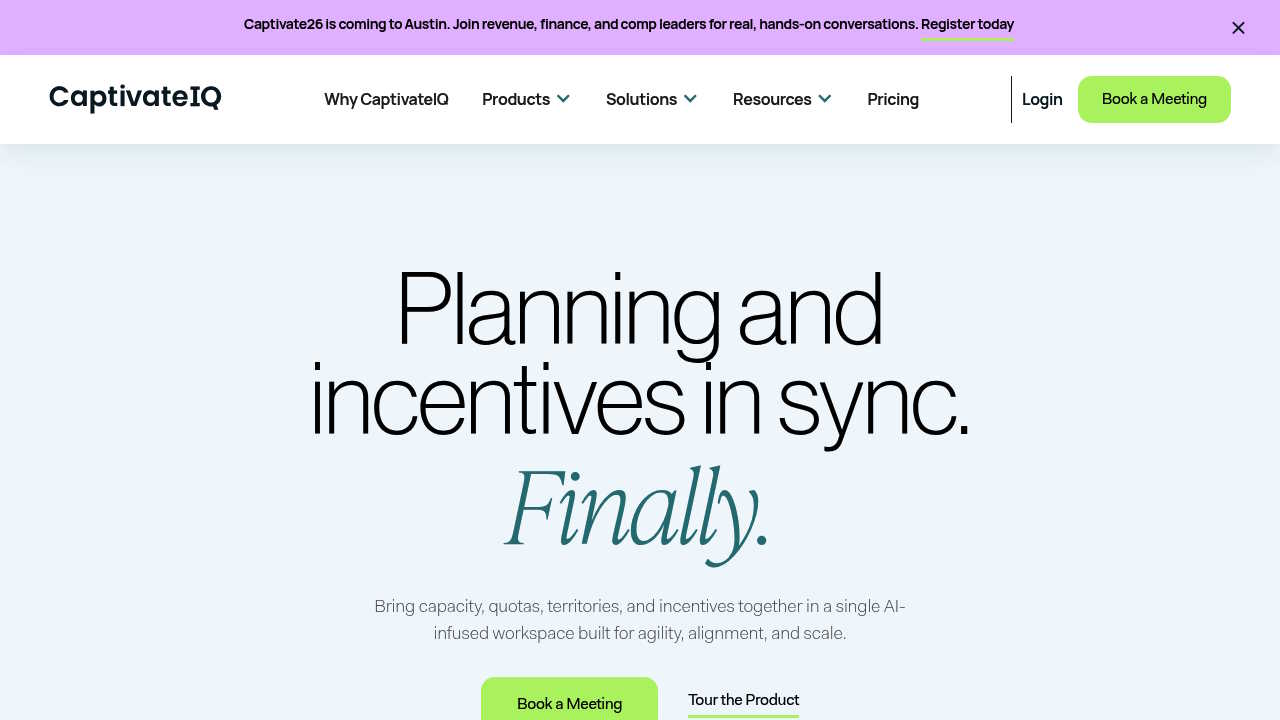
CaptivateIQ holds Gartner MQ Leader and Forrester Wave Leader recognition and publishes quantified ROI metrics: 10% attainment increase, 6x faster planning, and 60x commission calculation speed. Those numbers are compelling for Finance teams building a business case for switching off spreadsheets.
The platform emphasizes workflow automation and has broad feature coverage across incentives, quotas, territories, and AI tooling. Where it’s less clear publicly is implementation timeline and the admin learning curve for teams with frequently changing plans. No transparent pricing or migration playbook is surfaced on the homepage.
Demo questions to ask: What’s the typical time-to-first-payout after going live? Who owns plan logic changes once we’re live—our team or your support team? How does the system handle a mid-period plan amendment without retroactive errors?
4. Salesforce Spiff
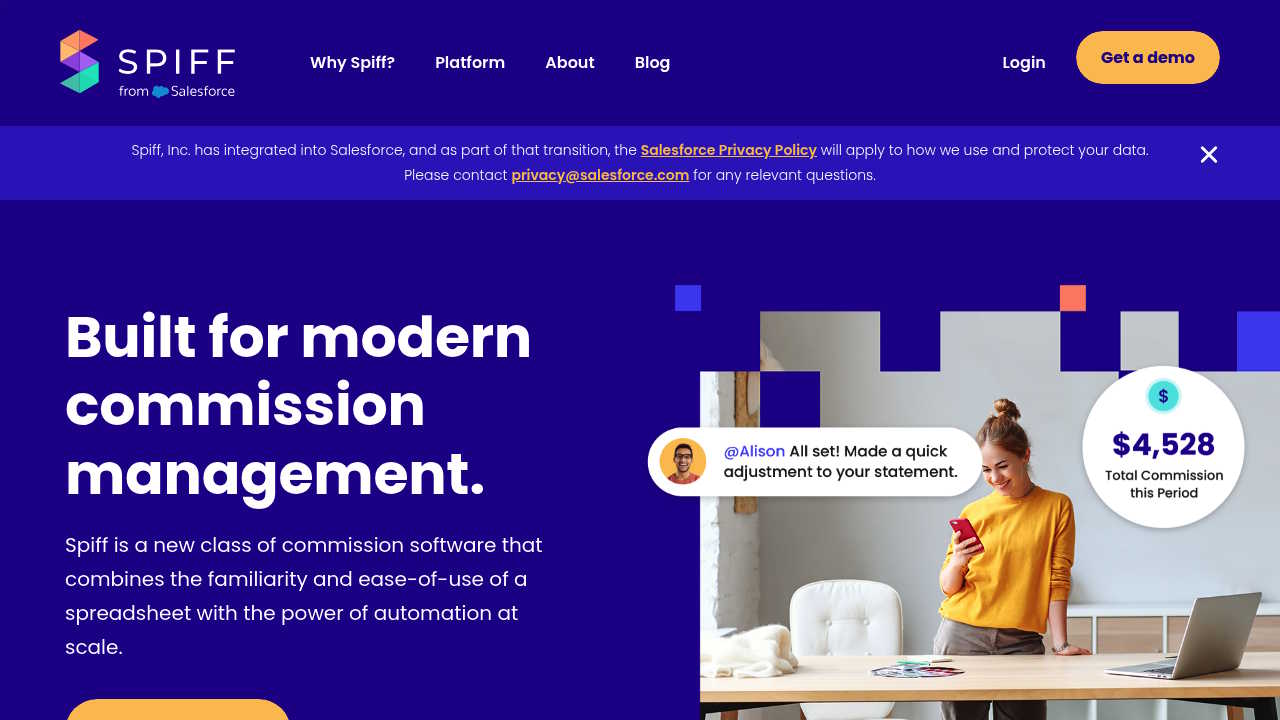
Salesforce Spiff’s strongest argument for admin ease is its Salesforce-native positioning. If your sales org runs entirely on Salesforce, the integration story is tight and the data model is familiar. Spiff claims “days, not weeks” for setup, which is the most aggressive go-live claim in this category.
The gaps are on cross-CRM complexity and public operational detail. If you use HubSpot or a mixed CRM stack, the Salesforce-first model creates friction. The public homepage is also thin on mid-quarter plan change workflows, audit trail specifics, and migration playbooks.
Demo questions to ask: What happens to commission calculations if we change an opportunity stage definition in Salesforce mid-period? How does the audit trail handle a plan amendment that affects prior payouts? What does rep-facing earnings visibility look like outside Salesforce?
5. QuotaPath
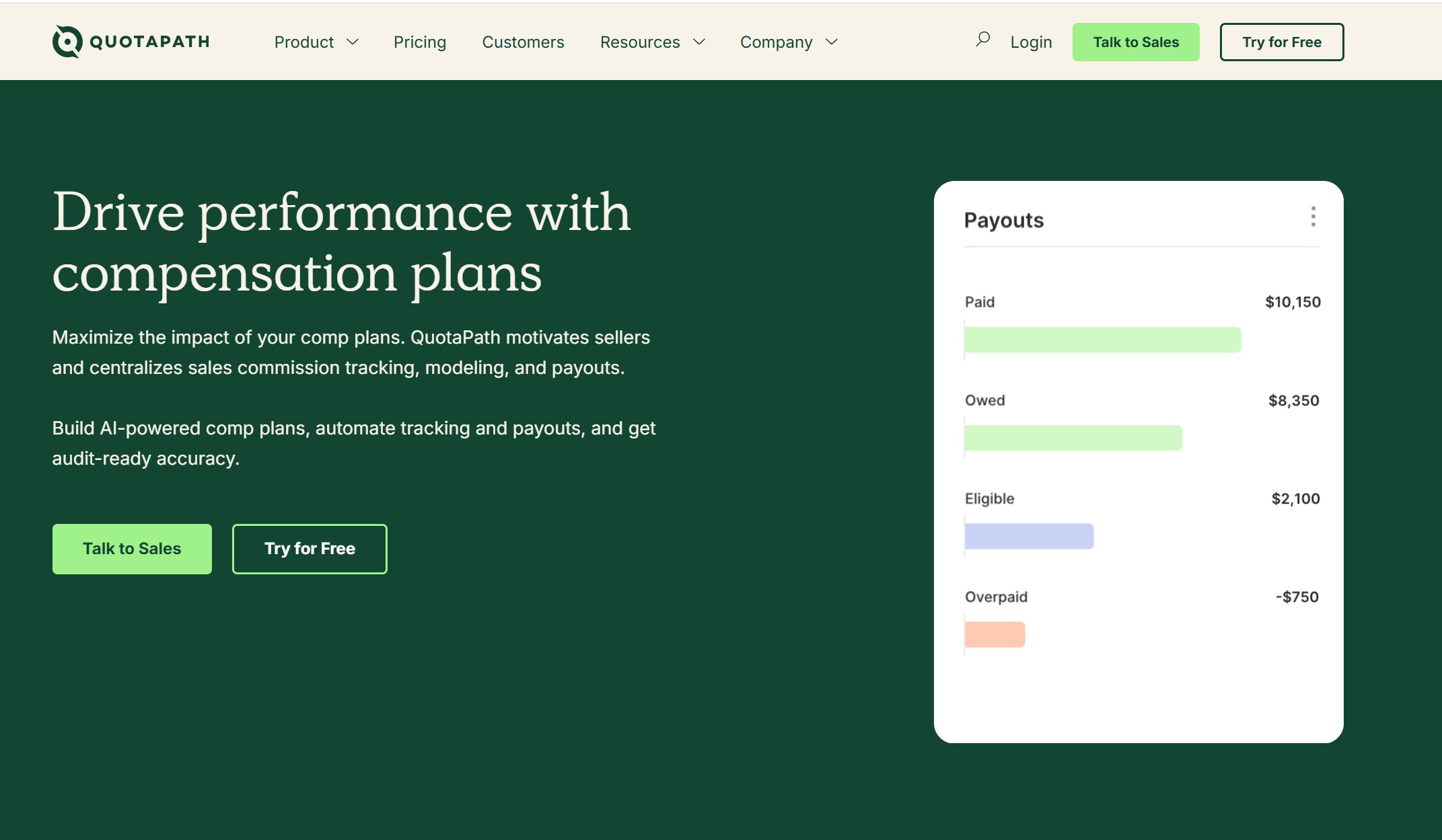
QuotaPath positions itself as an “AI-native” end-to-end incentives engine organized around four stages: Build, Drive, Measure, Optimize. The switch stories on the site name competitors directly, which signals confidence. Integration coverage across CRM, ERP, and payroll is called out prominently.
What’s missing publicly: no pricing, no implementation timeline, and no step-by-step admin workflow. The AI-native positioning is interesting, but the operational specifics for plan change governance and monthly close aren’t explained in detail. If you’re comparing AI claims across vendors, our breakdown of sales compensation platforms leveraging AI is a useful cross-reference.
Demo questions to ask: How does the AI assist with plan changes vs. requiring manual reconfiguration? What’s the approval chain before a payout runs? Can we see a live example of a multi-tier accelerator with a draw against earnings?
6. Xactly
Xactly targets large enterprises and carries a broad suite (Incent, Max, Plan, Design, Manage). The brand carries real market weight and strong award signals. That said, the homepage is light on admin workflow specifics: there’s minimal public explanation of how plan changes are governed, how long implementations take, or what the monthly close process looks like for an admin team.
For a CFO or FP&A leader evaluating ease of management, Xactly requires a deep demo to validate. Enterprise scope can mean longer implementations and a steeper admin learning curve compared to mid-market-focused tools—which is exactly why teams end up researching alternatives to Xactly.
Demo questions to ask: What does a plan amendment workflow look like from change request to approved payout? How do you quantify admin hours saved per month post-implementation? What’s the typical go-live timeline for a company with 50–200 payees?
7. Performio
Performio has a presence in the incentive compensation management market, particularly in Australia and parts of North America, but public-facing operational detail is limited enough that it’s difficult to assess admin ease from outside a demo. That’s not a knock on the product; it’s a practical reality for buyers doing early-stage research.
For any team evaluating Performio specifically on ease of management, the demo is mandatory. Focus on four things: time to iterate a plan change, training time for new admins, audit trail completeness, and how the platform handles calculation accuracy when plan rules overlap.
Demo questions to ask: How long did your last three customers take from contract to first live payout? Who owns plan logic changes after go-live—our team or yours? Show us what the audit trail looks like from plan edit to payout statement.
How to Find the Right Fit in 30 Minutes: A Demo Script for FP&A Teams
Walk into every demo with one real, messy plan scenario—something with multi-tier accelerators, a team-based split, a draw, and a SPIF layered on top. Then run this sequence:
- Build it. Ask the rep to build your plan from scratch in the demo environment. Watch who drives the keyboard. If it requires the vendor’s implementation team to configure, that’s your admin overhead post-sale.
- Change one rule mid-quarter. Pick a realistic scenario: you’re adjusting the accelerator threshold 90 days into the quarter. Ask how the system simulates that change before it goes live, and what happens to already-processed payouts.
- Run the close. Ask to see the monthly close workflow from data import (or CRM sync) to payout statements hitting rep inboxes. Time it.
- Trace the audit trail. Ask for a full walkthrough: plan edit, approval, payout run, rep statement. For ASC 606 compliance and any Finance audit, every step must be logged with a timestamp and user ID.
- Ask about role-based access. What can your RevOps admin do without calling the vendor? What requires vendor support? That ratio is your ongoing admin cost.
Any platform that can’t walk through all five steps fluently in a 30-minute demo is telling you something. If you’re also weighing rollout timelines, pair this with our ranking of commission systems by implementation speed.
Frequently Asked Questions from Sales Comp Admins
Is sales compensation management software hard to administer?
It depends on the platform. The best ones let Finance and RevOps own the logic without engineering support. Avoid any tool where routine plan changes require a support ticket to the vendor—that cost compounds every quarter.
How long does it take to go live vs. spreadsheets?
Everstage cites four to six weeks. Salesforce Spiff claims days for Salesforce-native setups. EasyComp is designed for fast, no-code onboarding without requiring IT involvement. Always verify these timelines with reference customers, not just sales reps.
Will Finance trust the calculations?
Only if the system provides a full audit trail. Look for platforms that log every plan change, approval, and payout with timestamps. ASC 606-ready reporting is a bonus for companies that need to defer commission expense recognition.
What about audit trails and commission change approvals?
This is non-negotiable for any Finance team. EasyComp builds audit-friendly traceability into its core workflow. Everstage explicitly states “every action is logged.” For any other vendor, ask to see the live audit log in the demo, not just a screenshot.
Can we handle SPIFs, draws, and multi-tier accelerators?
Most platforms claim yes. Validate by building one in the demo. EasyComp supports SPIFs, draws, holdouts, ramps, and team-based splits as native plan components, not custom workarounds—including edge cases like clawbacks and comp exceptions.
What integrations are required for our CRM/ERP/payroll stack?
If your team uses Salesforce or HubSpot, EasyComp connects natively and keeps data in sync without manual uploads. For ERP and payroll, ask each vendor about their data validation layer: what happens when a deal closes in the CRM but hasn’t synced yet at payout time?
How do we prevent overpayment or underpayment when plans change?
Simulation before rollout is the key control. Any platform that lets you apply a rule change retroactively without a what-if preview is a liability. Make commission plan simulation a hard requirement in your evaluation, not a nice-to-have.
The Bottom Line
The easiest sales compensation solution to manage is the one your Finance team can operate independently, iterate quickly, and defend confidently at month-end. Everything else—dashboards, AI features, award badges—is secondary to that. Hold every platform on your shortlist to that standard.
Want to see what Finance-owned comp administration actually looks like? Book a demo with EasyComp and bring your messiest plan.